Free · No account · Works offline

Scan, convert, edit & sign — right on your phone.

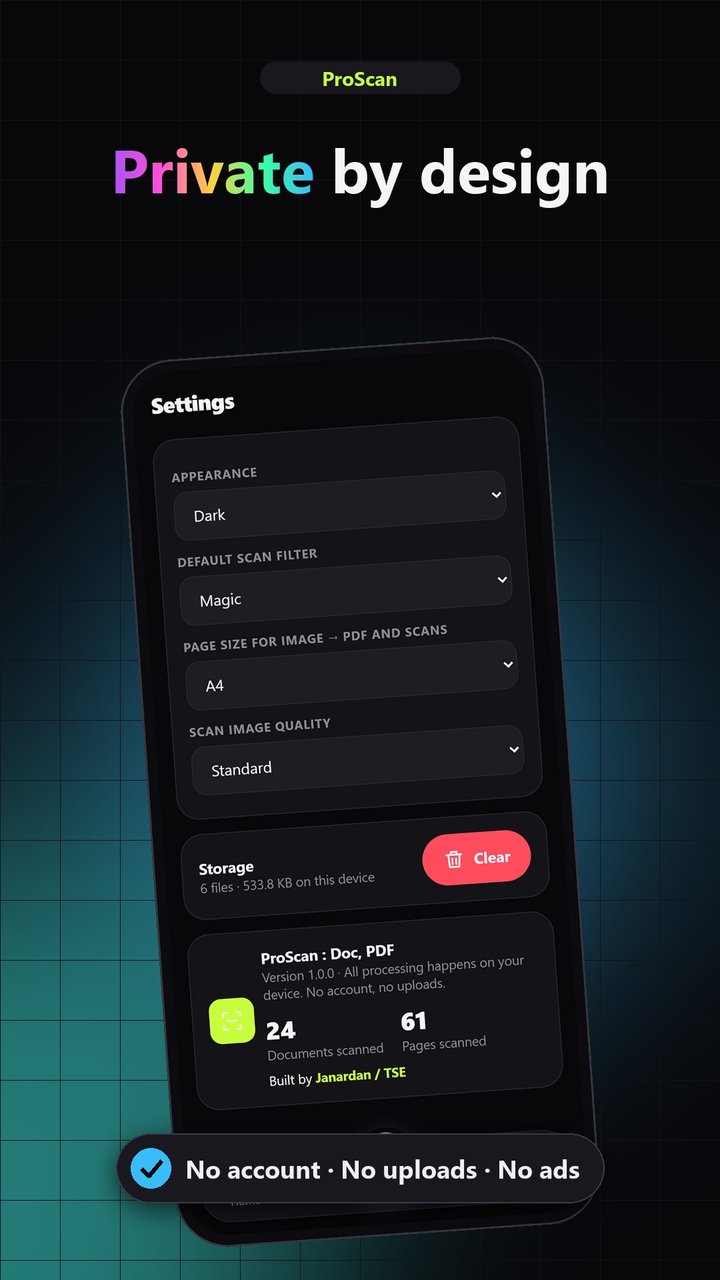
ProScan turns your Android camera into a document scanner and puts a complete PDF toolkit in your pocket. Every file is processed on your device — nothing is uploaded.

Android 5.1+ · 4.8 MB · v1.0.0
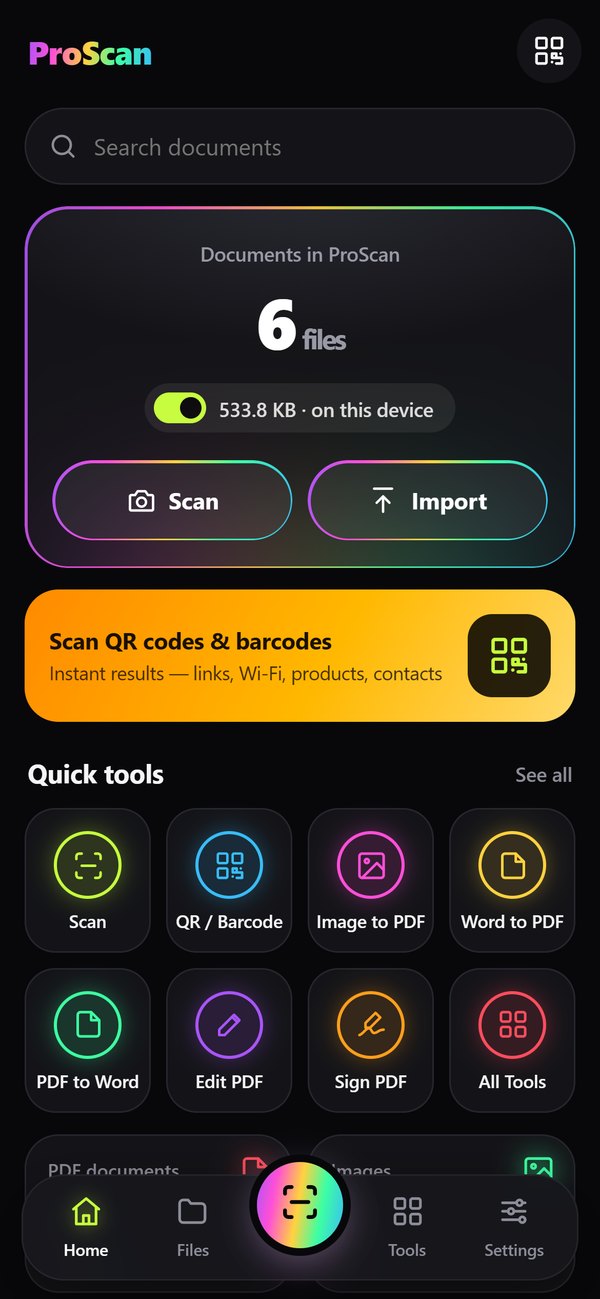
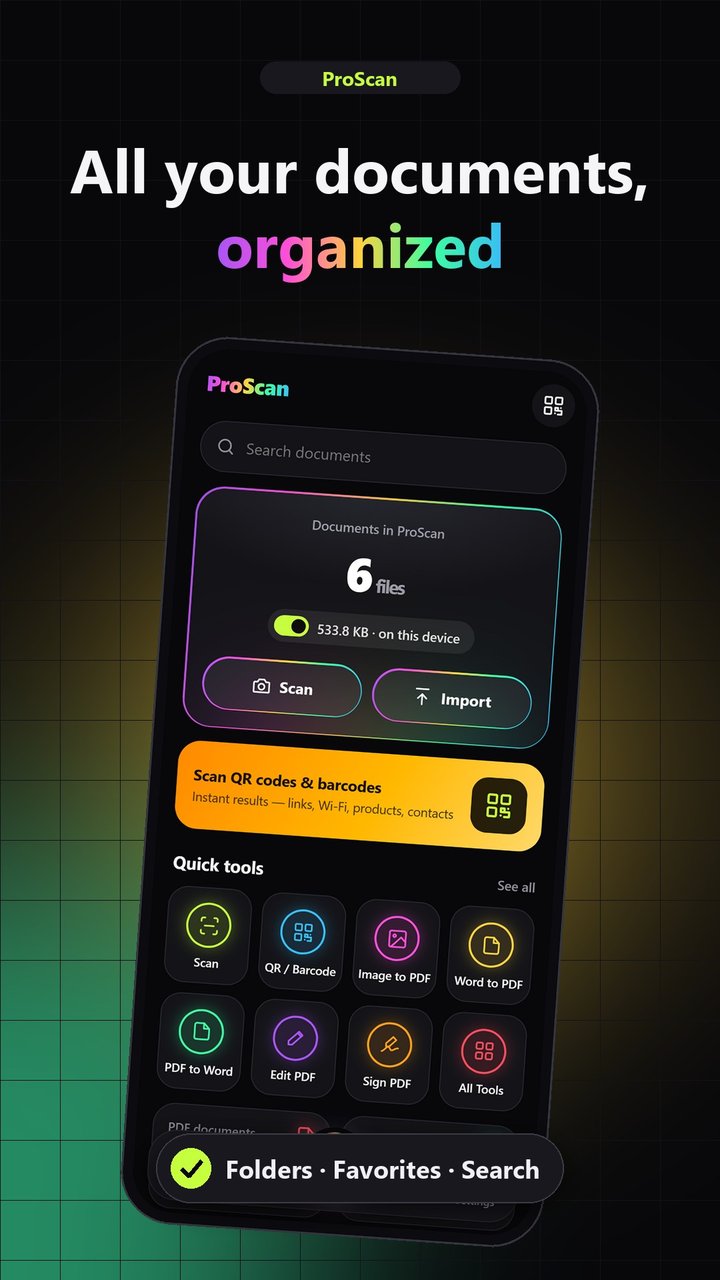
ProScan home screen
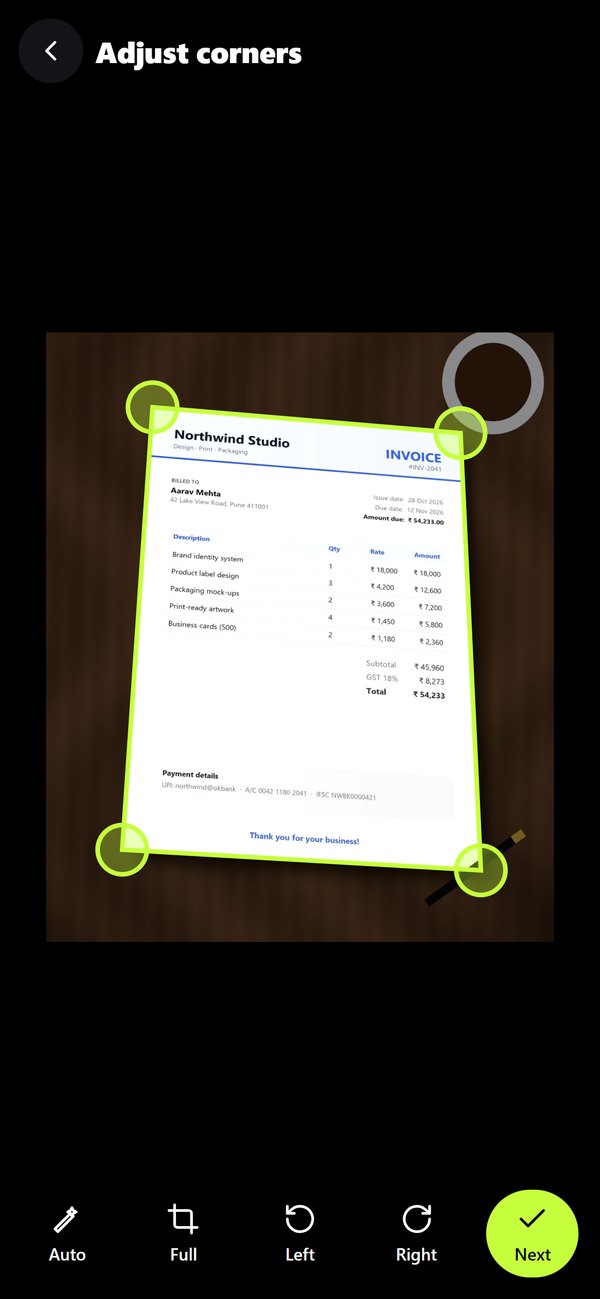
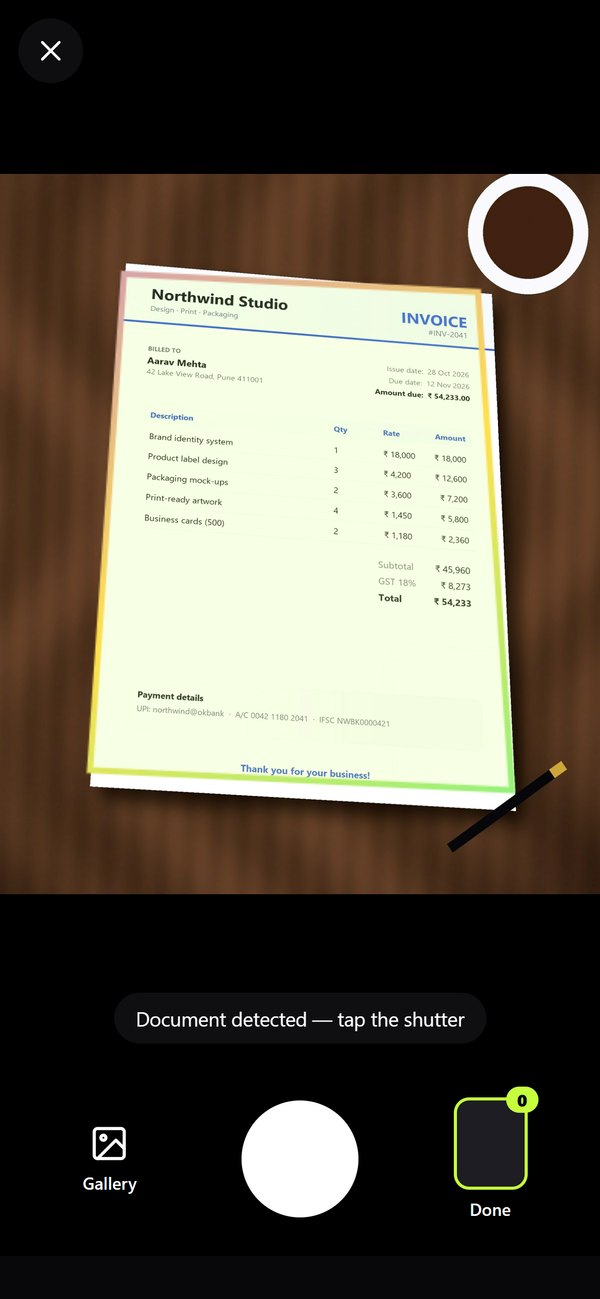
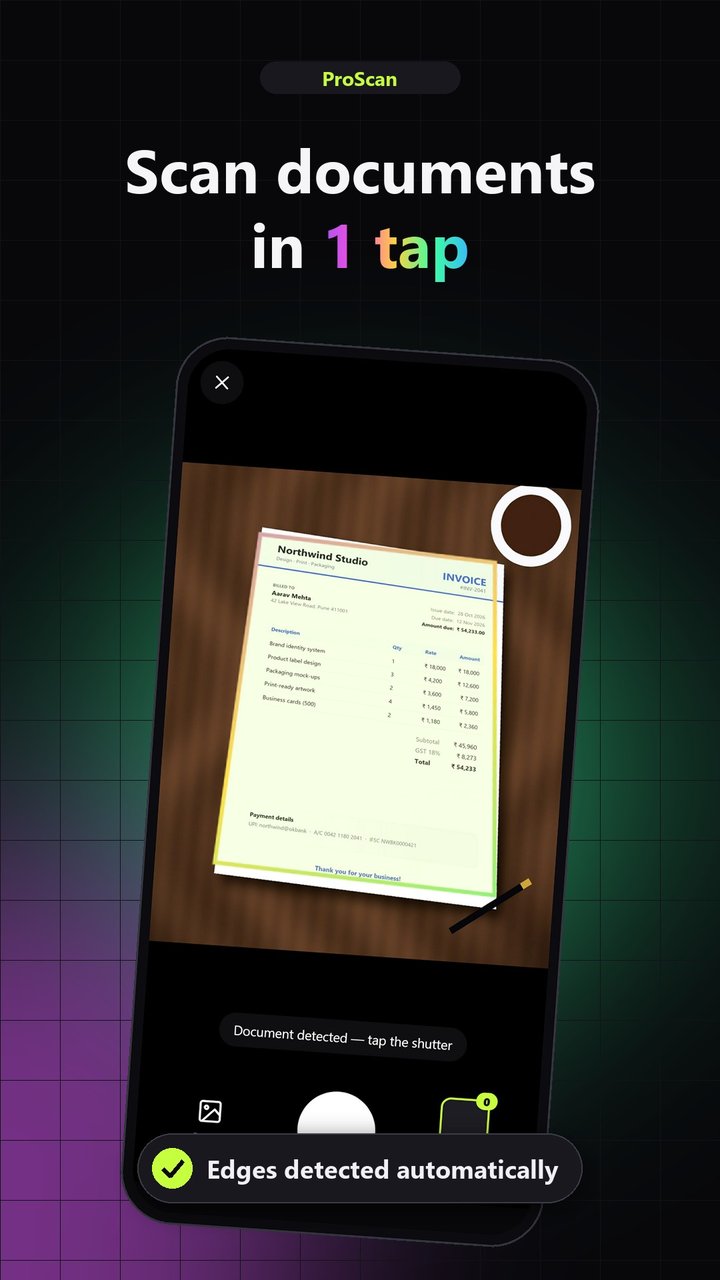
Automatic document edge detection
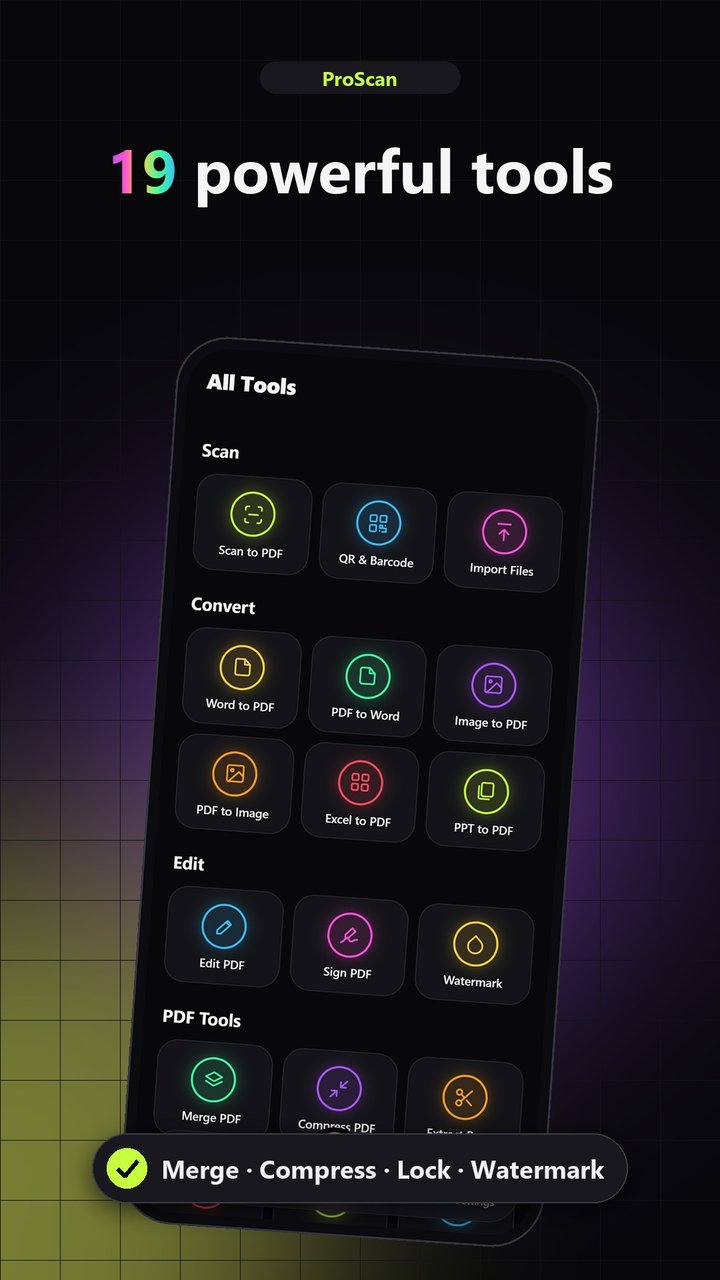
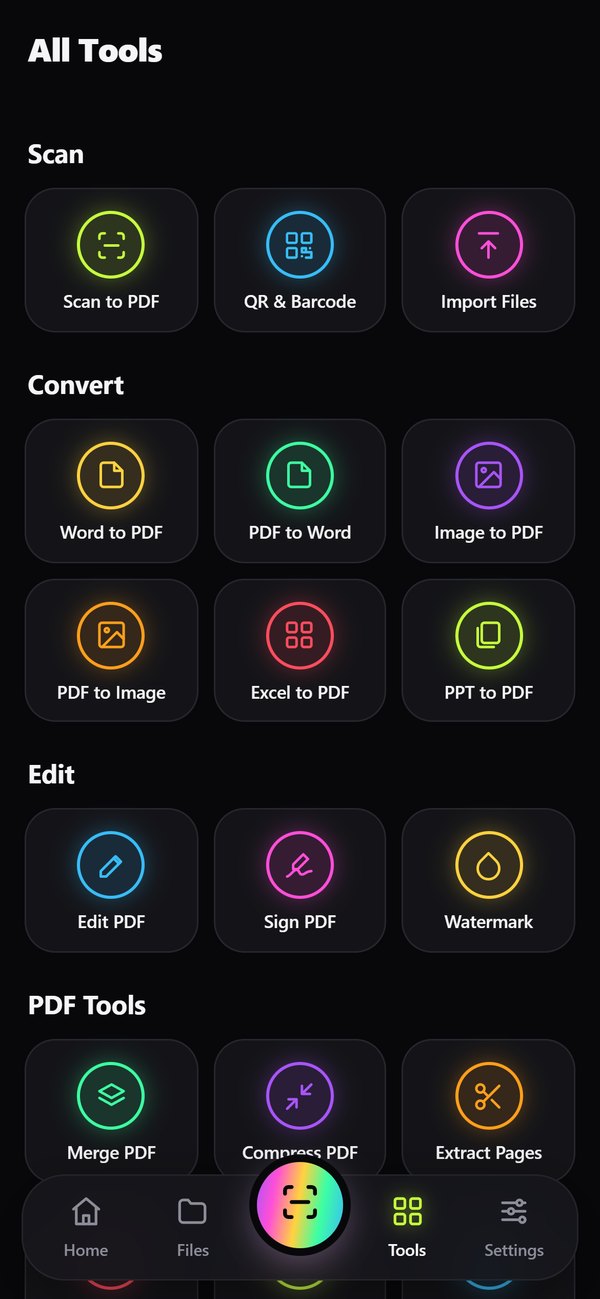
19Tools in one app
0Uploads — 100% on-device
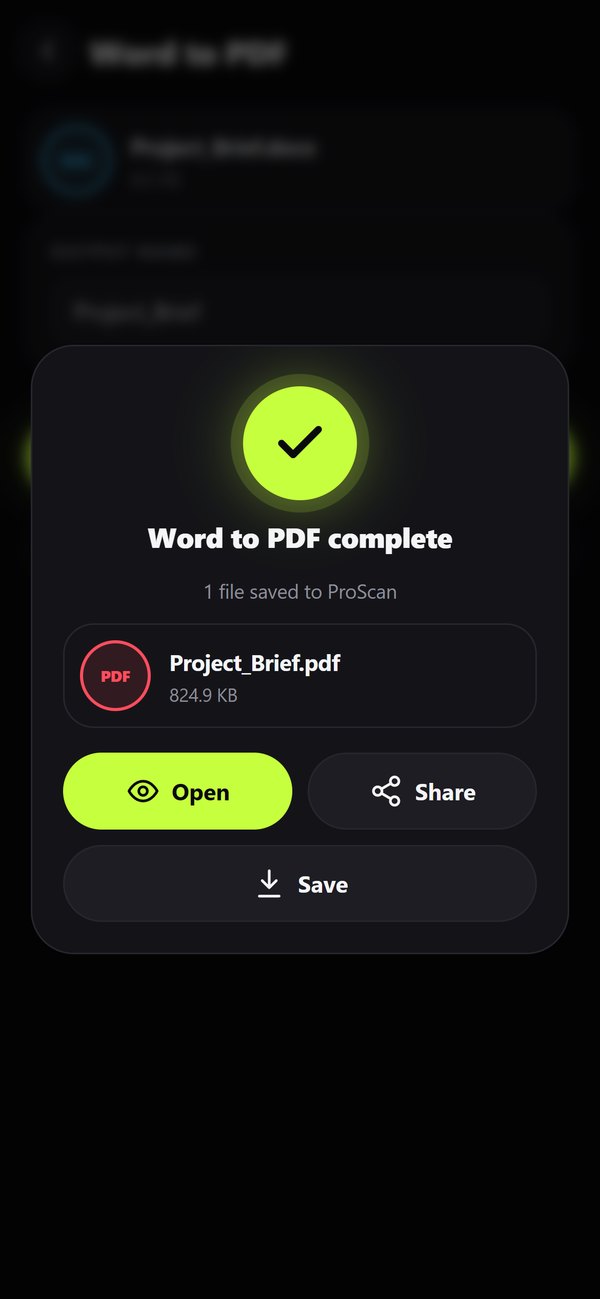
6Conversions
4.8 MBDownload size
Everything you need for documents

The features of a desktop PDF suite, designed for one hand and a phone screen.

Scan

  • Camera to PDF with live edge detection
  • Drag-to-adjust corners, perspective fix
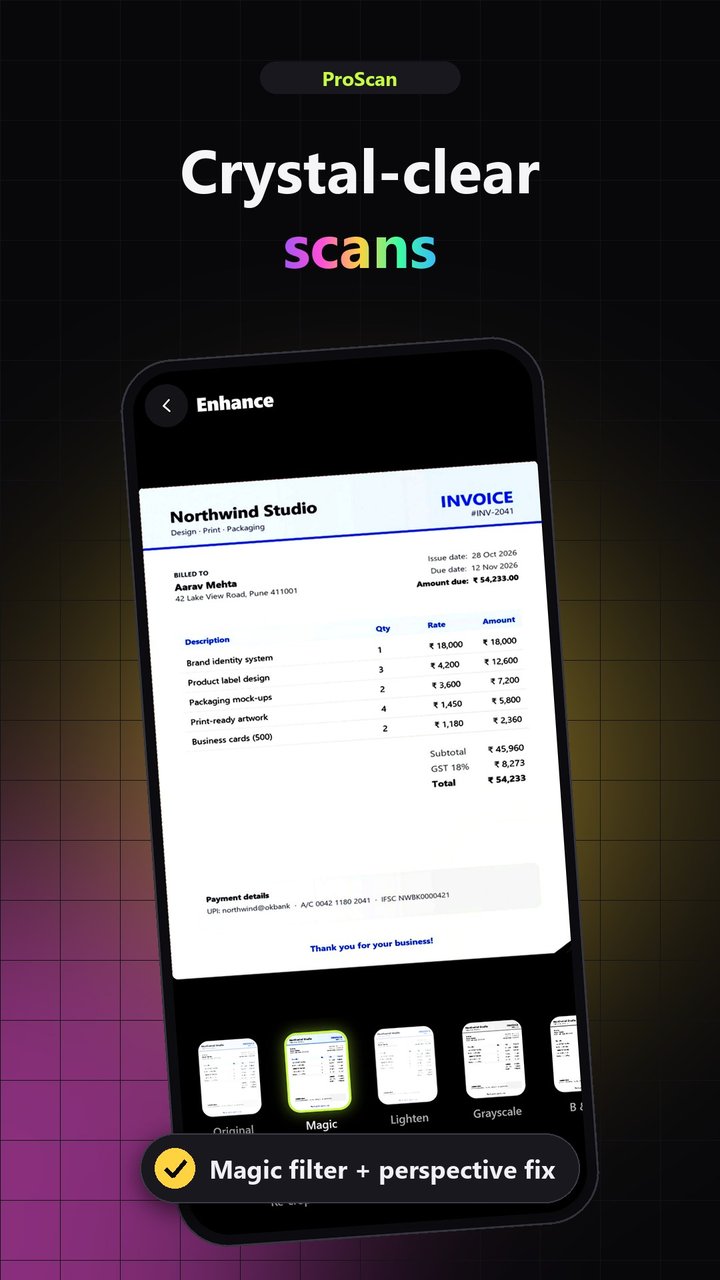
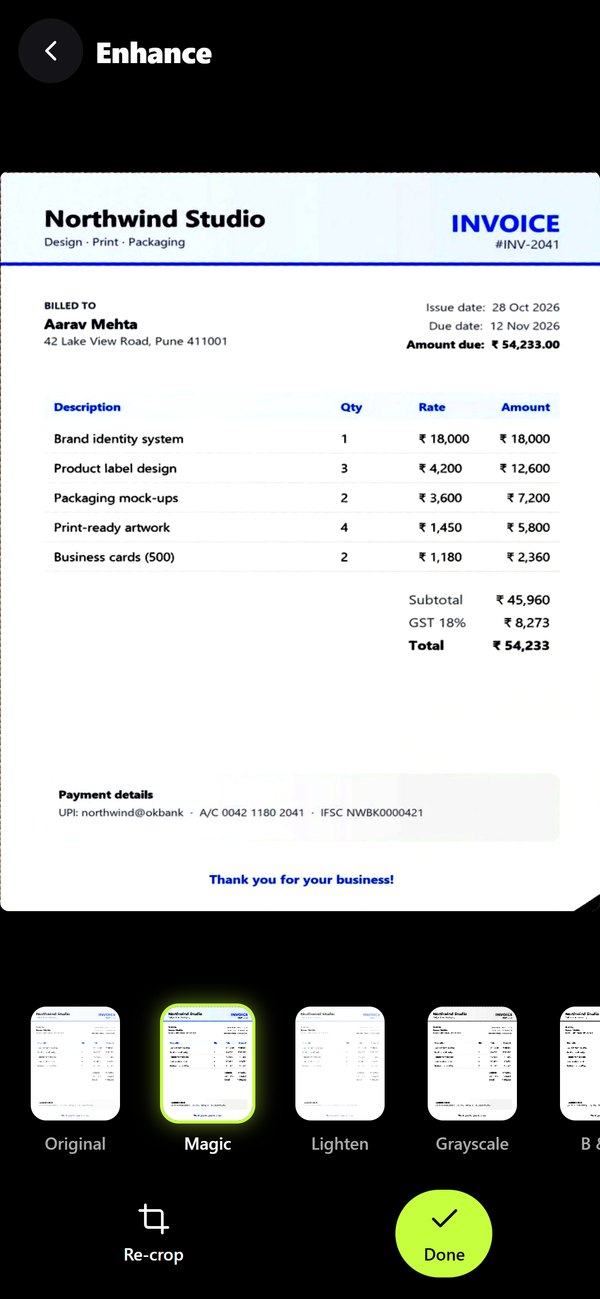
  • Magic, Lighten, Grayscale, B&W filters
  • Multi-page scans, reorder, retake

QR & Barcodes

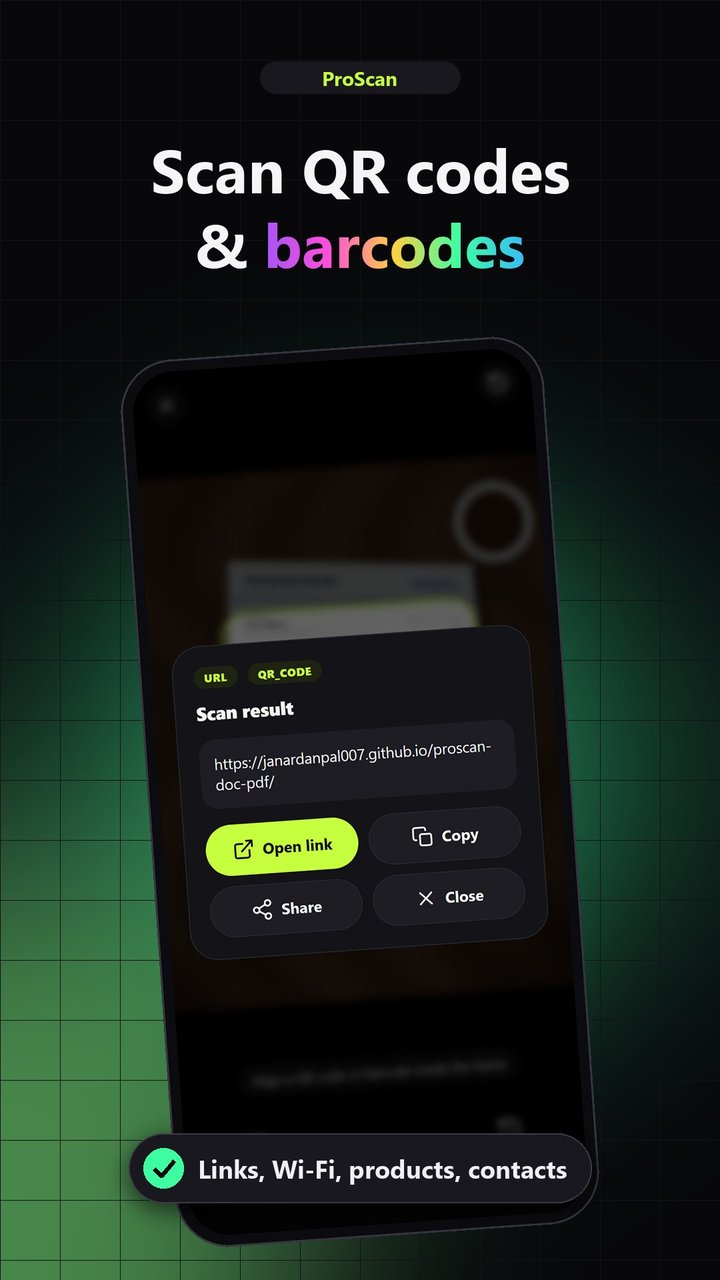
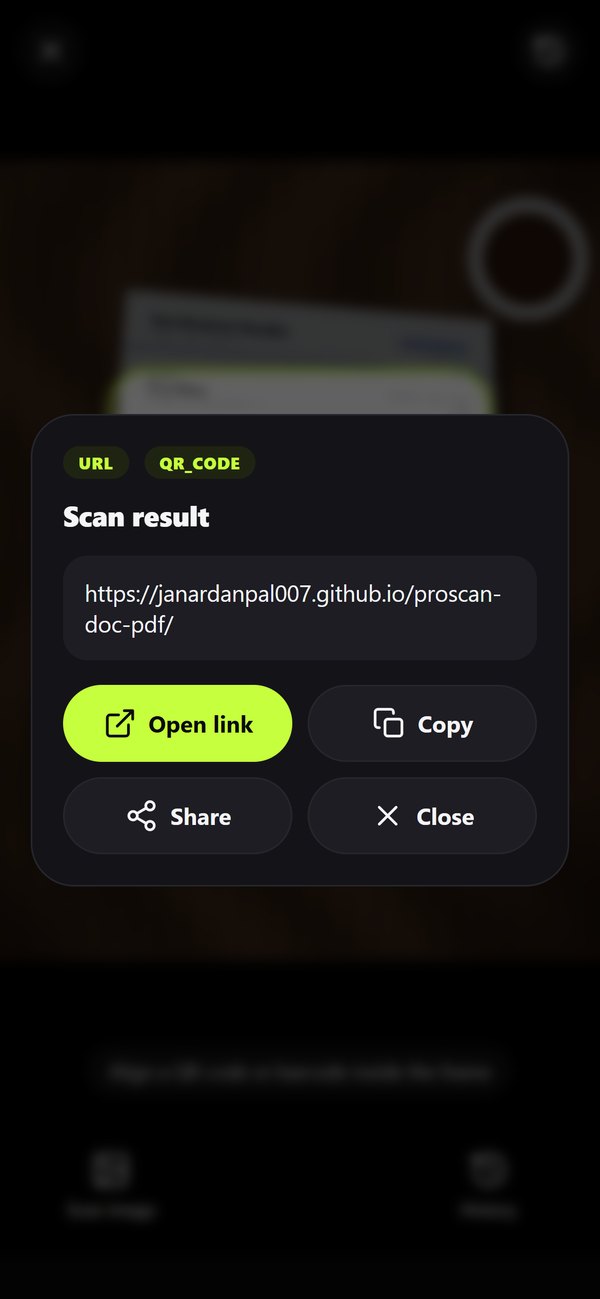
  • Live camera or from a photo
  • Links, Wi-Fi (shows password), contacts
  • EAN, UPC, Code 128 and more
  • Scan history

Convert

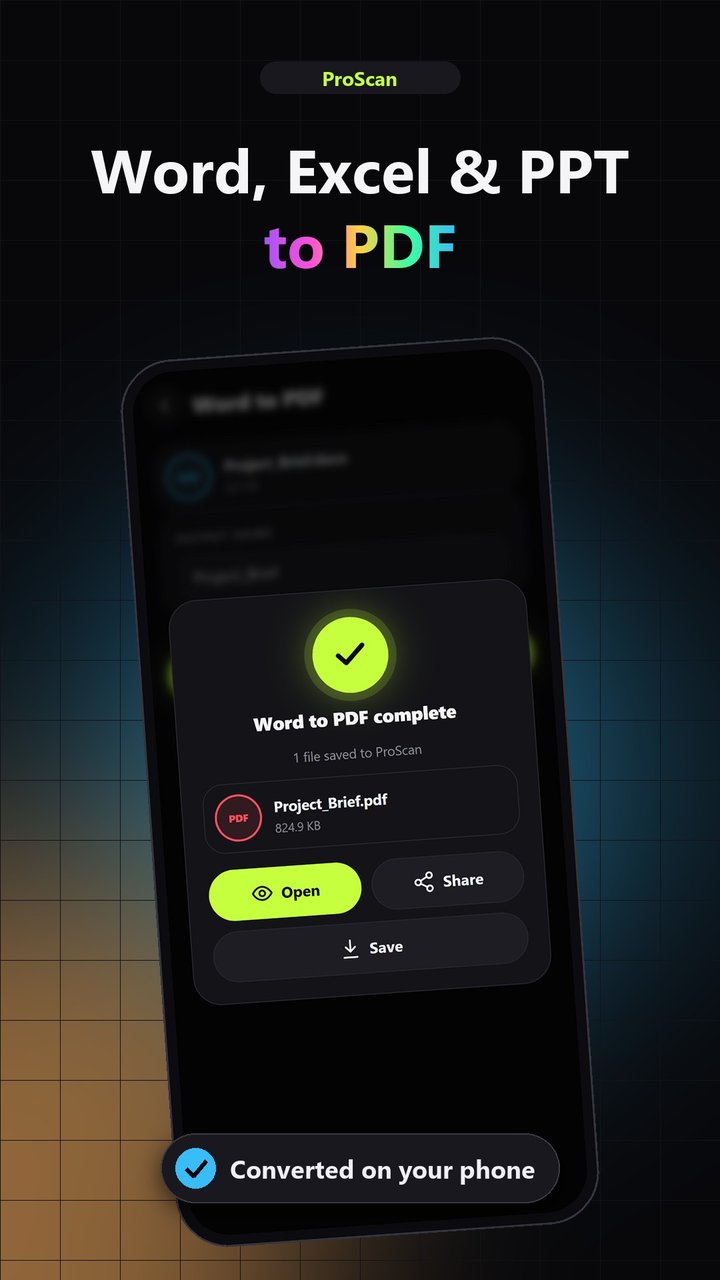
  • Word ↔ PDF (editable .docx output)
  • Image ↔ PDF, export as ZIP
  • Excel to PDF
  • PowerPoint to PDF

Edit & Sign

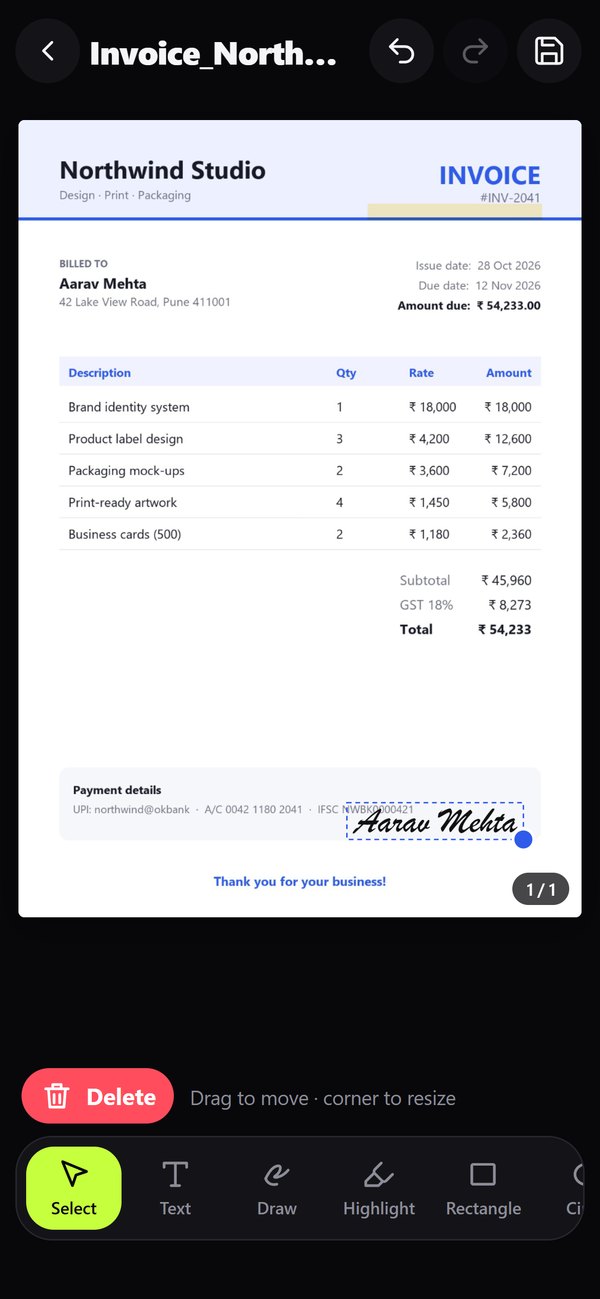
  • Text, pen, highlight, shapes, arrows
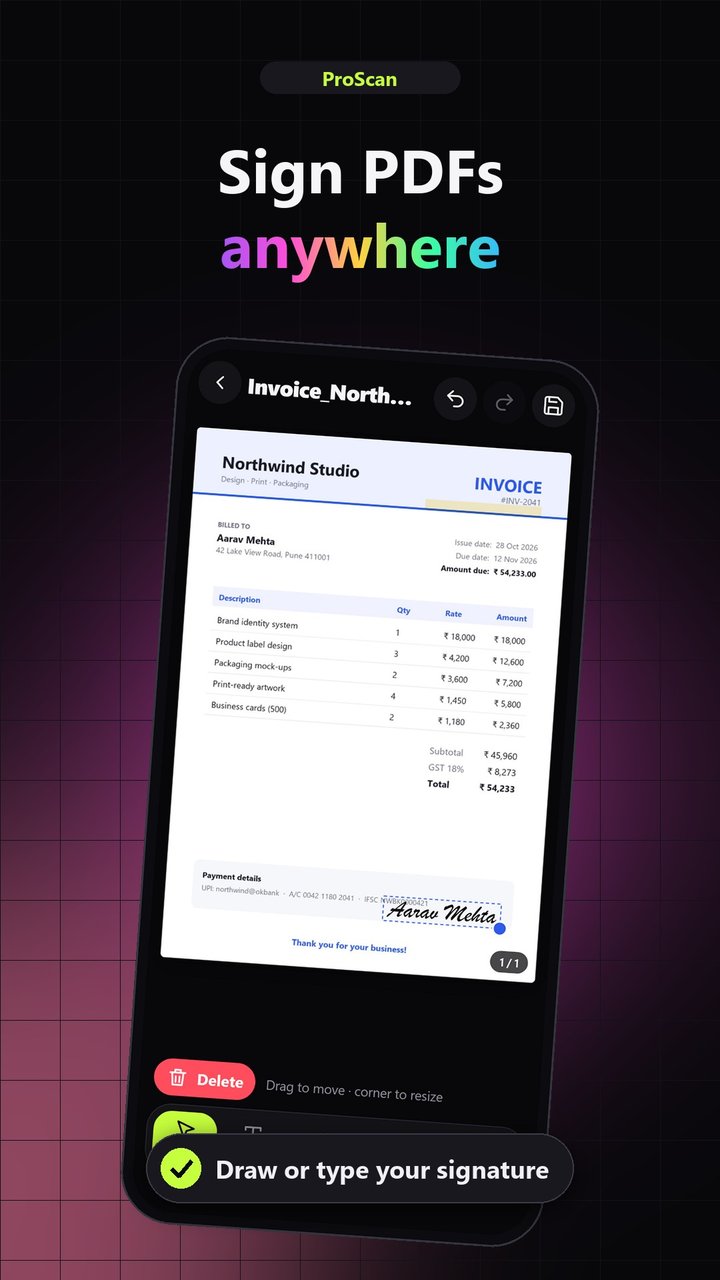
  • Draw or type a signature, save it
  • Add images, move & resize, undo
  • Watermarks with live preview

PDF Tools

  • Merge PDFs and images
  • Compress (up to 60–80% smaller)
  • Extract, split, reorder, rotate pages
  • Lock / unlock with AES-256

File manager

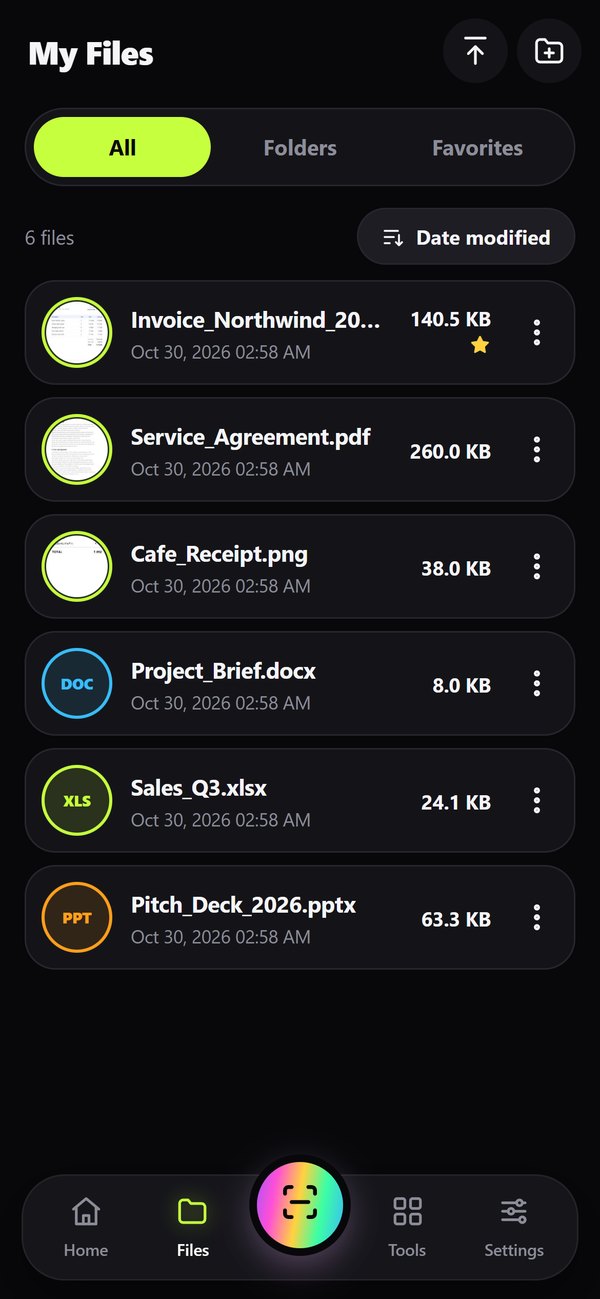
  • Recents, search and sorting
  • Folders and favorites
  • Save to Downloads, share, print
  • Import any document

See it in action

Scan, enhance, sign, convert and organize — swipe through.

Scan in 1 tap
Crystal-clear scans
Sign anywhere
Office to PDF
19 powerful tools
QR & barcodes
Organized
Private by design

Every screen

Home
Home
Live edge detection
Live edge detection
Auto-crop
Auto-crop
Enhance filters
Enhance filters
Sign & annotate
Sign & annotate
File manager
File manager
All tools
All tools
Convert
Convert
QR scanner
QR scanner
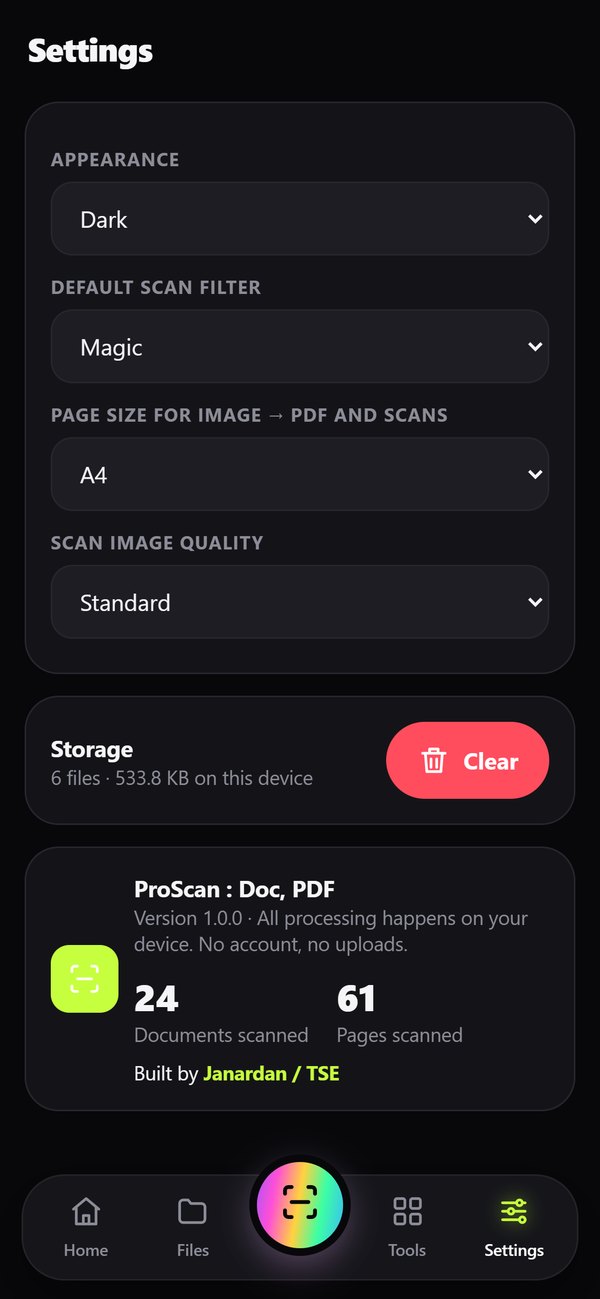
Settings & about
Settings & about

Get ProScan for Android

Free download. Version 1.0.0 · 4.8 MB · Android 5.1 and newer.

Download APK
1 · DownloadTap the button above on your Android phone.
2 · Allow installWhen asked, allow your browser to install apps from this source.
3 · Open ProScanAllow camera access and start scanning.